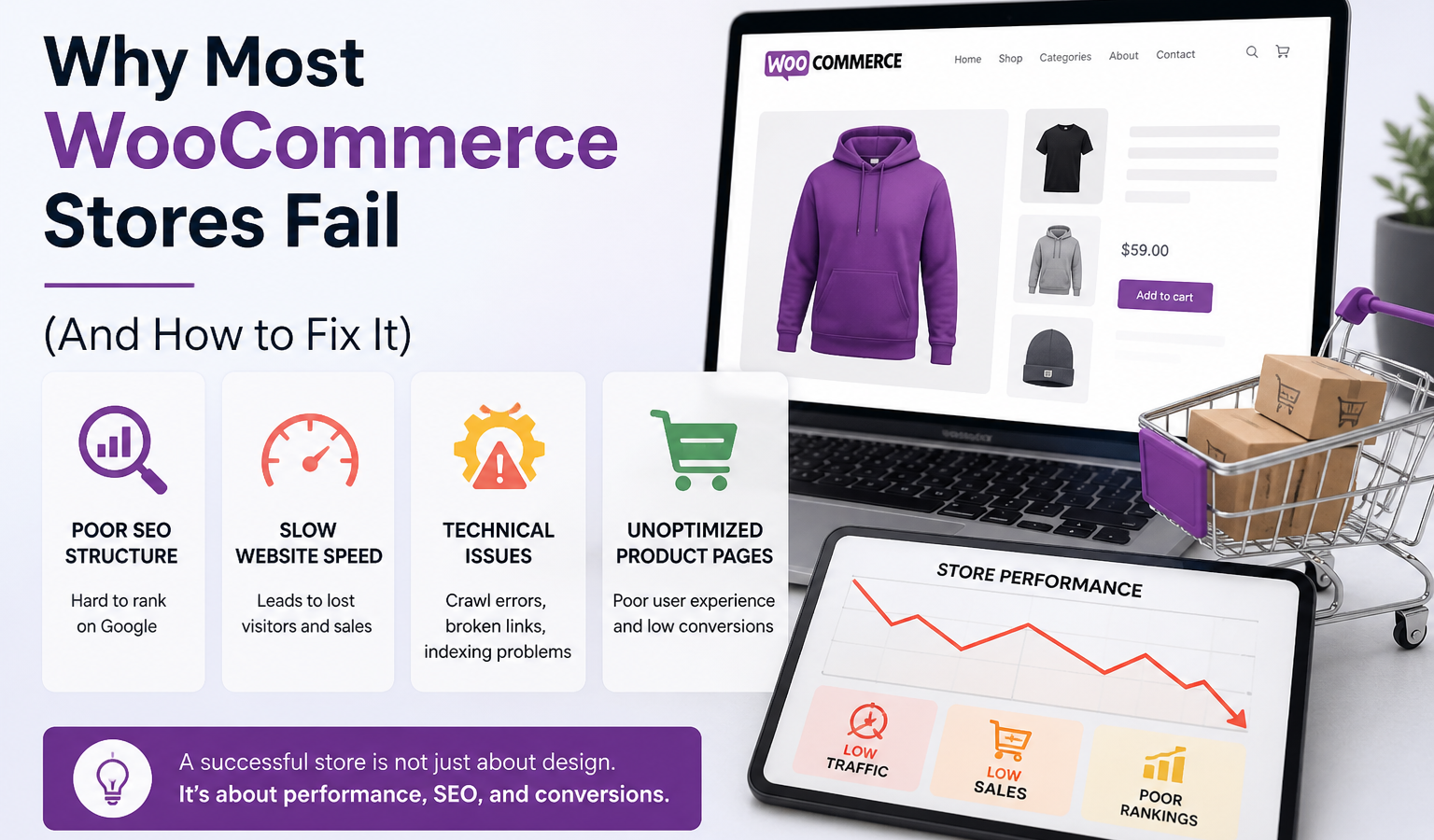
Many WooCommerce store owners invest heavily in design, themes, and visuals. While a modern and attractive design helps create a good first impression, it is rarely the reason a store succeeds or fails.
In reality, most WooCommerce stores struggle because of hidden technical issues that affect performance, search visibility, and user experience. These problems are often ignored, but they play a major role in how your store performs online.
Common Reasons WooCommerce Stores Fail
Poor SEO Structure
Search engine optimization is one of the biggest growth drivers for any eCommerce store. However, many WooCommerce websites lack proper SEO foundations. This includes missing meta titles and descriptions, poorly structured URLs, lack of schema markup, and incorrect indexing settings. Without proper SEO, your store will not appear in search results, no matter how good your products are.
Slow Website Speed
Website speed directly impacts both user experience and rankings. Studies show that users leave a site if it takes more than a few seconds to load. Slow websites not only lose potential customers but also get penalized by search engines. Heavy images, unoptimized code, and too many plugins are common causes of slow performance.
Technical Issues
Technical problems such as broken links, duplicate content, crawl errors, and poor internal linking can significantly harm your website’s performance. These issues make it difficult for search engines to properly crawl and index your site, reducing your chances of ranking higher.
Unoptimized Product Pages
Product pages are the core of any WooCommerce store. However, many stores fail to optimize them properly. Missing product descriptions, lack of structured data, poor image optimization, and weak internal linking reduce both visibility and conversion rates. A well-optimized product page can significantly improve both traffic and sales.
How to Fix These Issues
- Implement proper technical SEO and on-page optimization
- Optimize website speed and improve Core Web Vitals
- Fix crawl errors and ensure proper indexing
- Use structured data (schema markup) for better search visibility
- Improve internal linking between pages and products
- Reduce unnecessary plugins and optimize website resources
Final Thoughts
A successful WooCommerce store is not just about design—it is about performance, visibility, and user experience. Many stores fail not because of poor products, but because of weak technical foundations.
If your store is not getting enough traffic or conversions, the issue is often technical rather than visual. By focusing on SEO, speed optimization, and proper structure, you can significantly improve your store’s performance and achieve better results.


Leave a Reply