Overview
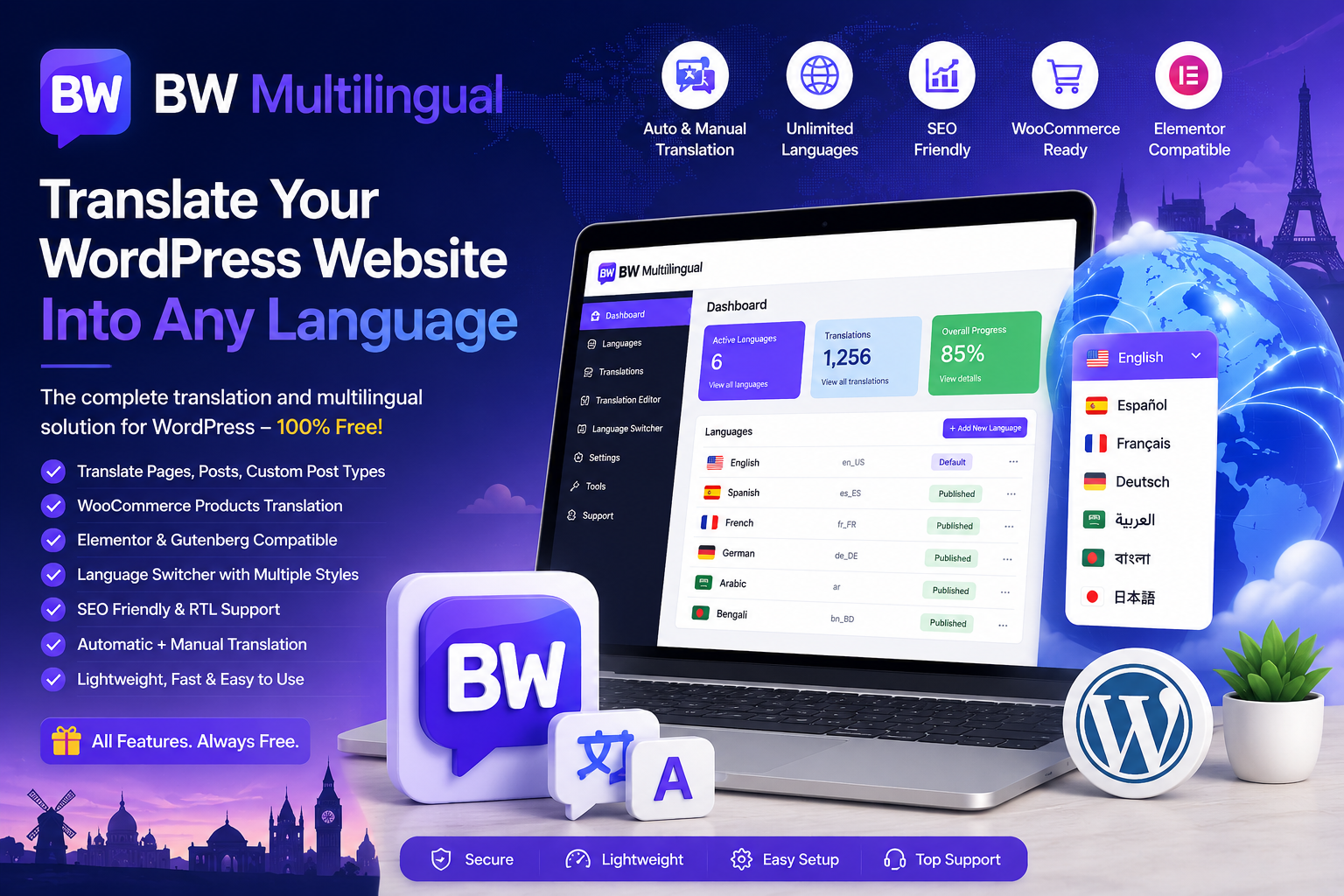
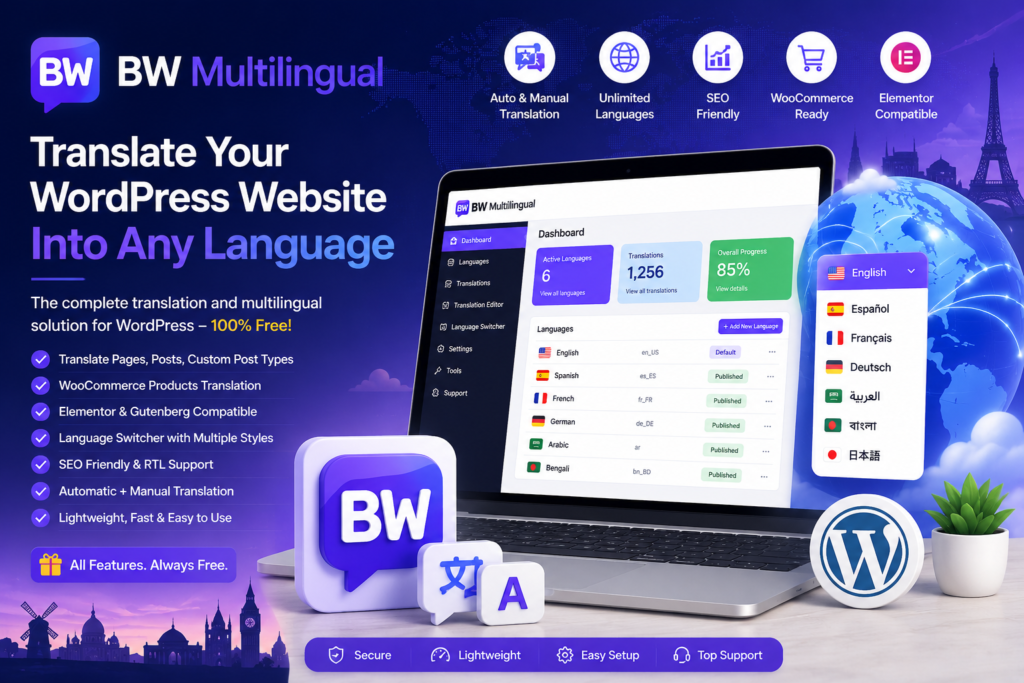
Expand your website to a global audience with BW Multilingual.
Whether you run a personal blog, business website, portfolio, or WooCommerce store, BW Multilingual makes it easy to translate your content into multiple languages while maintaining excellent website performance and SEO compatibility.
Unlike many multilingual plugins that lock advanced features behind premium plans, BW Multilingual provides all essential translation tools completely free. It is designed for beginners and professionals who need a fast, reliable, and easy-to-use multilingual solution for WordPress.
Key Features
Unlimited Languages
Create multilingual websites without language restrictions.
- Add unlimited languages
- Support regional language variations
- Manage all languages from one dashboard
Automatic Translation
Translate your website instantly using supported translation services.
- Fast automatic translation
- Save hours of manual work
- Translate entire websites in minutes
Manual Translation Editor
Edit every translation manually for better accuracy and localization.
- Visual translation management
- Edit individual strings
- Maintain full control over translated content
Automatic + Manual Workflow
Generate automatic translations first, then refine important pages manually for the best user experience.
WooCommerce Compatible
Create multilingual online stores with complete WooCommerce integration.
- Products
- Categories
- Product Attributes
- Variations
- Cart
- Checkout
- Customer Emails
Elementor Compatible
Translate Elementor websites without rebuilding your layouts.
- Pages
- Templates
- Widgets
- Containers
- Popups
- Dynamic Content
Gutenberg Compatible
Fully compatible with the WordPress Block Editor.
SEO Friendly
Built with multilingual SEO best practices in mind.
- Language-specific URLs
- Search engine friendly structure
- Translated metadata
- Optimized multilingual indexing
Language Switcher
Allow visitors to easily switch between languages.
- Header
- Navigation Menu
- Footer
- Widget
- Shortcode
- Floating Switcher
Customize language names, flags, icons, colors, and display styles.
Translation Dashboard
Manage languages, translations, and settings from a centralized dashboard.
Lightweight & Fast
Optimized for speed with minimal impact on website performance.
Responsive Design
Works perfectly on desktop, tablet, and mobile devices.
Developer Friendly
Built using modern WordPress coding standards for maximum compatibility and extensibility.
Regular Updates
Continuously updated to support the latest versions of WordPress, WooCommerce, and Elementor.
Perfect For
- Business Websites
- WooCommerce Stores
- Corporate Websites
- Agency Websites
- Portfolio Websites
- Educational Websites
- Membership Websites
- Personal Blogs
- News Portals
- Non-Profit Organizations
Why Choose BW Multilingual?
- Completely Free
- Unlimited Languages
- Automatic Translation
- Manual Translation Editor
- WooCommerce Compatible
- Elementor Compatible
- Gutenberg Compatible
- SEO Optimized
- Customizable Language Switcher
- Fast and Lightweight
- Responsive Interface
- Easy Setup
- Regular Updates
Installation
- Download BW Multilingual.
- Upload the plugin to your WordPress website.
- Activate the plugin.
- Open BW Multilingual from your WordPress dashboard.
- Select your default language.
- Add additional languages.
- Configure your translation settings.
- Start translating your website.
Frequently Asked Questions
Is BW Multilingual free?
Yes. BW Multilingual is completely free and includes all core multilingual features.
Does it support WooCommerce?
Yes. You can translate WooCommerce products, categories, attributes, cart, checkout, and customer emails.
Is BW Multilingual compatible with Elementor?
Yes. It works seamlessly with Elementor pages, templates, widgets, and dynamic content.
Can I manually edit translations?
Yes. You can edit every translation manually at any time.
Does it support automatic translation?
Yes. BW Multilingual supports automatic translation while allowing manual editing for greater accuracy.
Is BW Multilingual SEO friendly?
Yes. It is designed with multilingual SEO best practices to help improve search engine visibility across different languages.
Download BW Multilingual Today
Create a multilingual WordPress website without complexity. Translate your content, reach international audiences, and improve user experience with BW Multilingual.
Whether you’re building a business website, WooCommerce store, portfolio, or blog, BW Multilingual provides a complete multilingual solution with powerful features—all completely free.