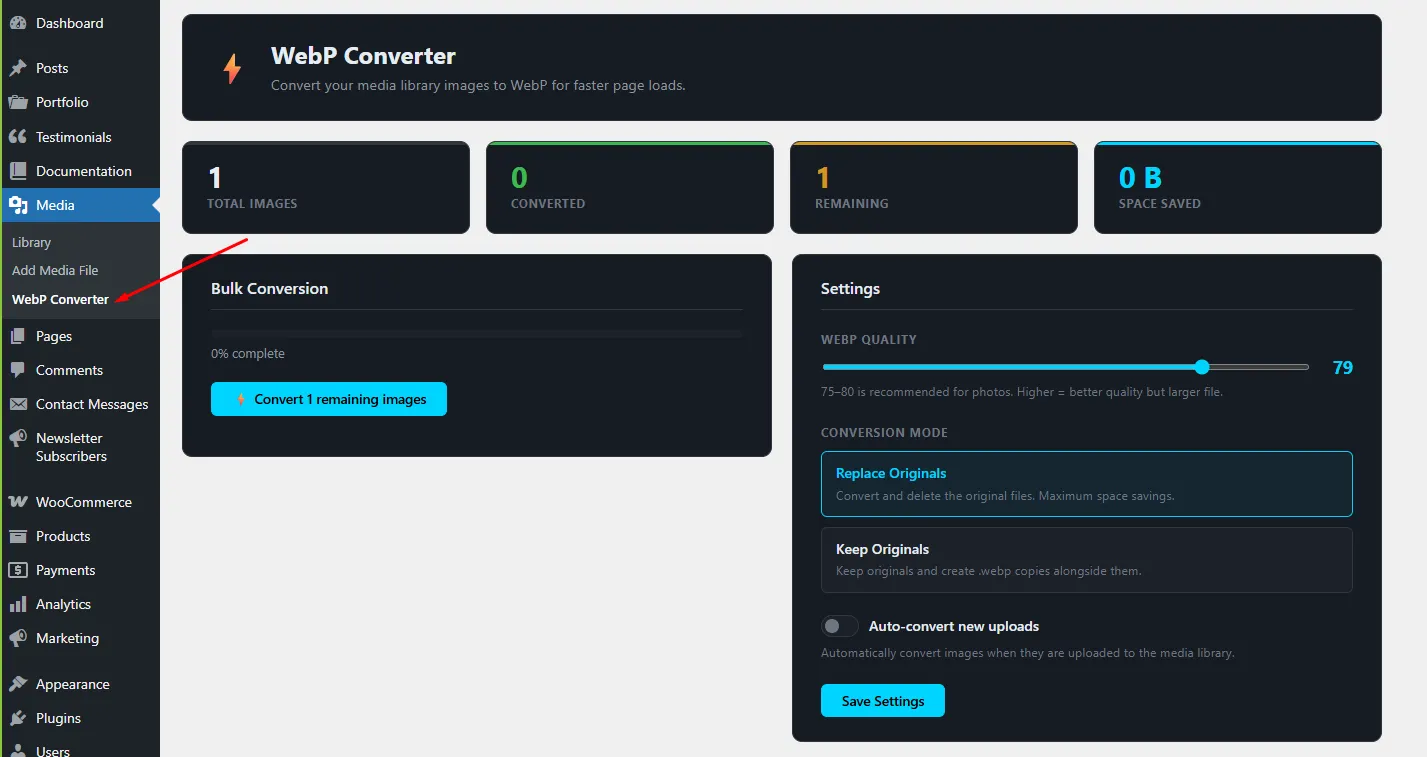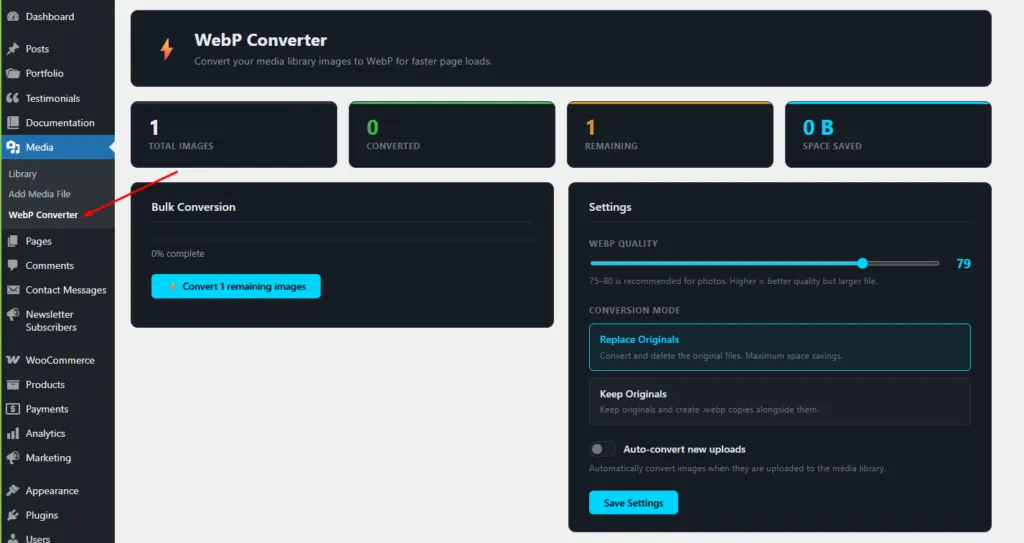
BroodWeb WebP Converter is a free WordPress plugin that converts the JPEG, PNG and GIF images in your media library to WebP — in bulk, one by one, or automatically on upload. WebP files are usually much smaller than JPEG and PNG, so pages load faster and Core Web Vitals improve. Everything runs on your own server: no external service, no API key and no subscription.
Why convert images to WebP?
Images are often the heaviest part of a WordPress page. WebP keeps the same visual quality at a smaller file size, and every modern browser supports it. Smaller images mean a faster Largest Contentful Paint (LCP), better PageSpeed scores and less bandwidth.
Features
- Bulk conversion — convert every unconverted image in your media library from one screen, with a live progress bar, a per-image log and a running total of space saved.
- Single-image conversion — convert or re-convert any image with one click, from the plugin’s table or the Media Library list view.
- Auto-convert on upload — new uploads are converted automatically, after WordPress has created all thumbnail sizes, so previews never break.
- All image sizes — the full-size image and every registered size (thumbnail, medium, large and your theme’s custom sizes) are converted.
- Adjustable quality — a slider from 1 to 100, with 80 as the default.
- Smallest file wins — each image is encoded with both GD and the WordPress image editor, and the smaller result is kept.
- Two modes — keep the originals and add a .webp copy, or replace the originals to save the most disk space.
- Status per image — see which images are Original or WebP and how much each one saved, with All / Not converted / Converted filters.
- Clean uninstall — all plugin settings and data are removed when you delete the plugin.
Keep Originals or Replace Originals?
Keep Originals saves a .webp copy next to each file (for example photo.jpg → photo.webp) and changes nothing in WordPress. To serve those copies to visitors, use a server rule or a caching plugin with WebP delivery, such as LiteSpeed Cache or WP Rocket. This is the safe choice for an existing media library.
Replace Originals overwrites the original file with the WebP version and updates WordPress’s attachment data, so the image is served as WebP everywhere WordPress builds the image URL. It does not rewrite image URLs already typed into your posts, and it cannot be undone from the plugin — so make a backup first. It works best together with auto-convert for new uploads.
How to use it
- Install and activate the plugin.
- Go to Media → WebP Converter.
- Choose the quality and mode, turn on auto-convert if you want it, and click Save Settings.
- Click Convert remaining images to convert the whole library.
Requirements
- WordPress 5.8 or newer
- PHP 7.4 or newer
- PHP GD with WebP support, or Imagick with WebP support (most hosts have this; the plugin warns you if not)
Frequently asked questions
Is the WebP Converter free?
Yes. It is completely free, with no image limits, no API key and no external service. All conversion happens on your own server.
Will converting to WebP make my site faster?
Usually, yes. WebP images are typically much smaller than the same JPEG or PNG, so pages download less data, load faster and score better on Core Web Vitals such as LCP.
What quality setting should I use?
80 is a good default for most sites. For detailed product or portfolio photos, 82–85 keeps more detail. For small thumbnails and icons, 70 is usually enough.
Does it convert thumbnails too?
Yes. The full-size image and every registered image size, including custom sizes from your theme or plugins, are converted.
Can I undo a conversion?
In Keep Originals mode, yes — your original files are untouched. Replace Originals mode overwrites the original files and cannot be undone from the plugin, so make a backup before you use it.
What does my server need?
PHP’s GD extension with WebP support, or Imagick with WebP support. Most modern hosts have one of them. The plugin checks on load and shows a warning if neither is available.