BroodWeb Malware Scanner
BroodWeb Malware Scanner is a WordPress security plugin built for malware detection,
file investigation, database inspection, login protection, and security monitoring. It helps site owners,
developers, and agencies find suspicious files, review security risks, quarantine unsafe code, and keep
better visibility over WordPress security events.
The scanner is designed for careful manual review. It does not blindly delete files. Instead, it gives you
clear scan results, risk scores, findings, filters, quarantine actions, whitelist controls, exportable reports,
and security modules so you can make safe cleanup decisions.
Free Version Features
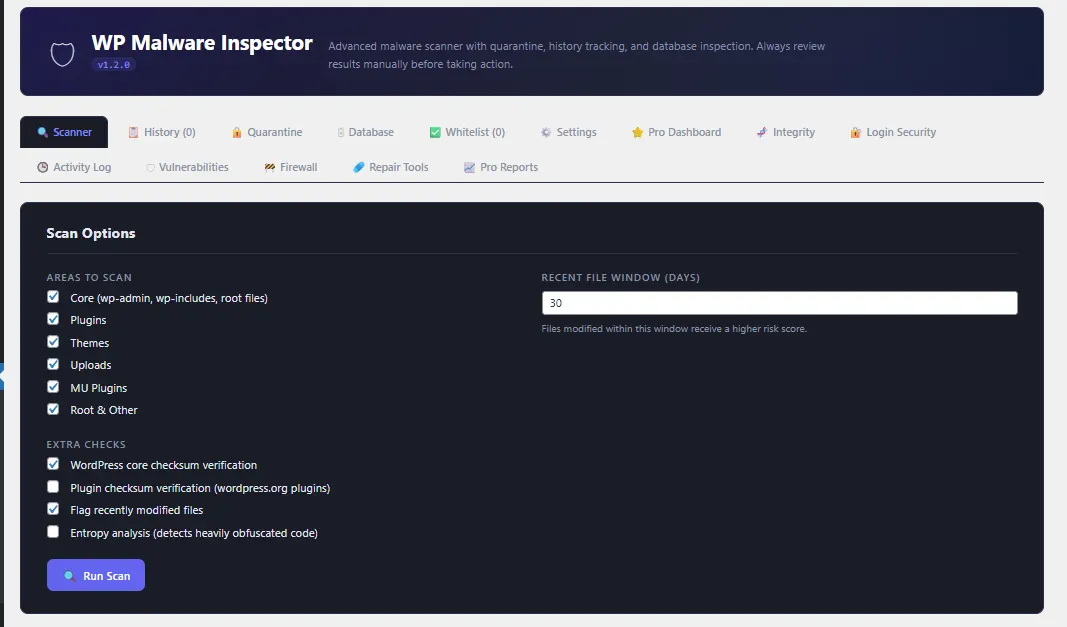
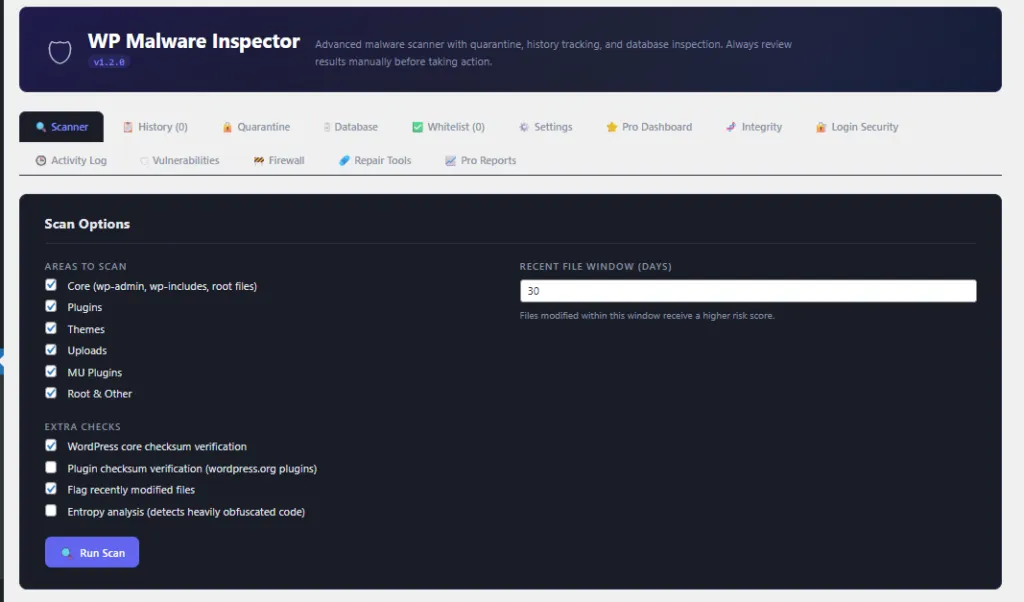
Malware File Scanner
- Scans WordPress core, plugins, themes, uploads, must-use plugins, and root files.
- Detects common malware indicators such as
eval(),base64_decode(),gzinflate(),shell_exec(), suspicious filenames, obfuscated strings, disguised PHP files, and PHP files inside uploads. - Uses AJAX chunked scanning to reduce timeout issues on larger websites.
- Provides risk scores, categories, collapsible findings, and file-level actions.
Official WordPress Core Verification
- Checks WordPress core files against official WordPress.org checksums.
- Suppresses false positives when official core files match the original WordPress source.
- Flags modified core files or unexpected files inside WordPress core directories.
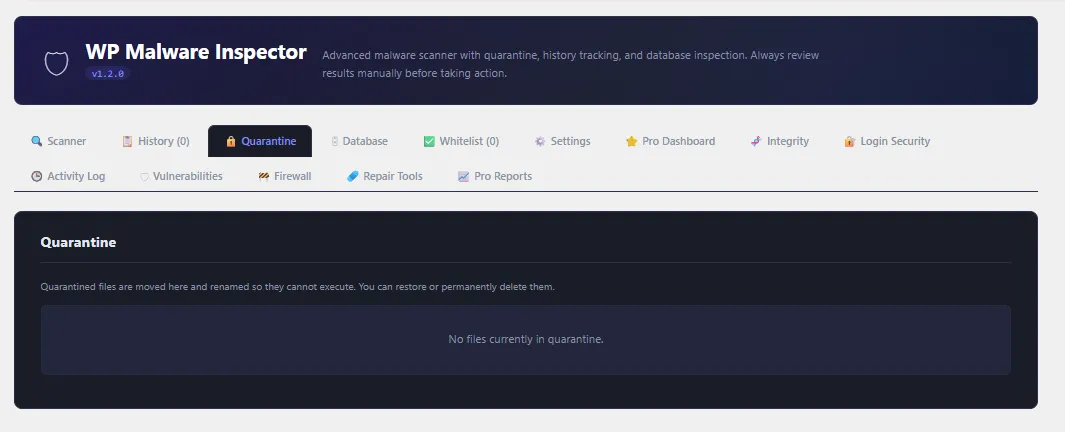
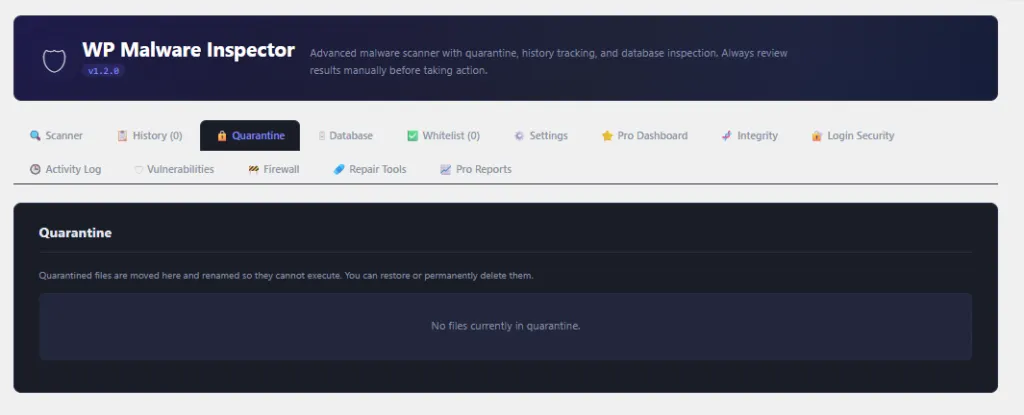
Quarantine and Whitelist
- Move suspicious files into quarantine so they cannot execute.
- Restore quarantined files if needed.
- Delete quarantined files after review.
- Whitelist trusted files to prevent repeat false positives.
Scan History and Reports
- Stores recent scan history for later review.
- Filter scan results by filename, finding, risk level, and category.
- Export scan reports as JSON or CSV.
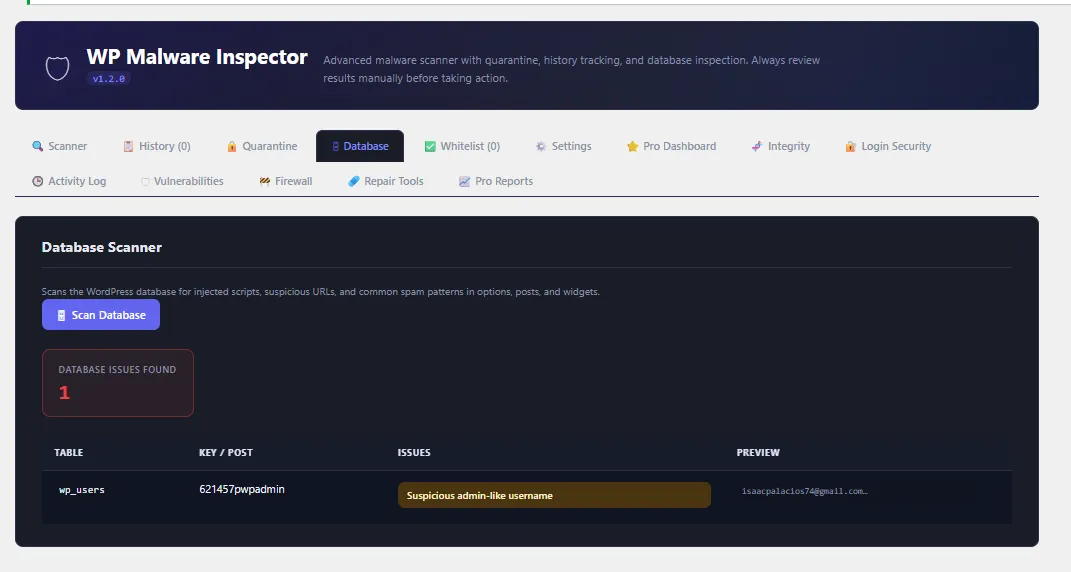
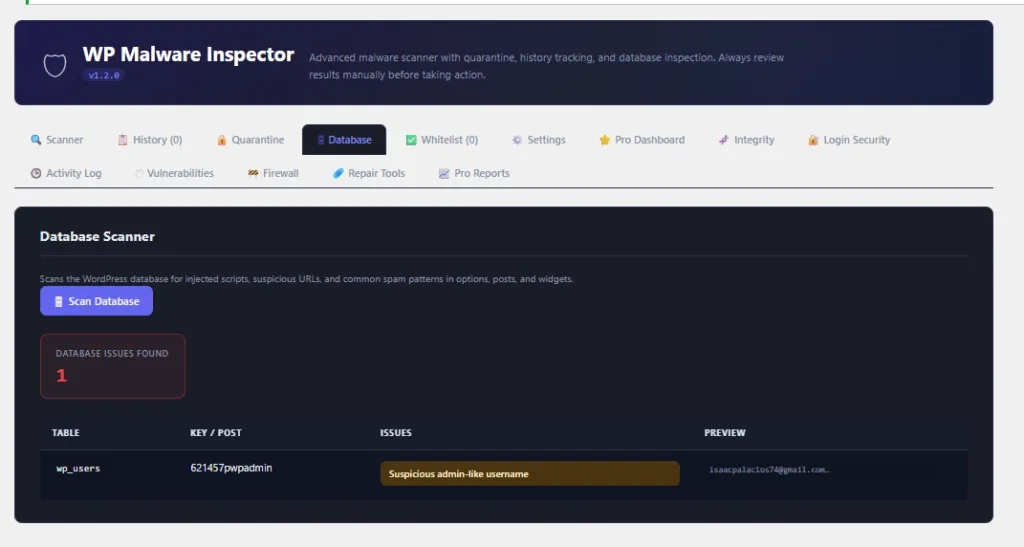
Database Scanner
- Checks selected WordPress database tables for injected scripts, suspicious URLs, spam indicators, and suspicious admin-like usernames.
- Helps identify malware that lives inside posts, options, widgets, or user records.
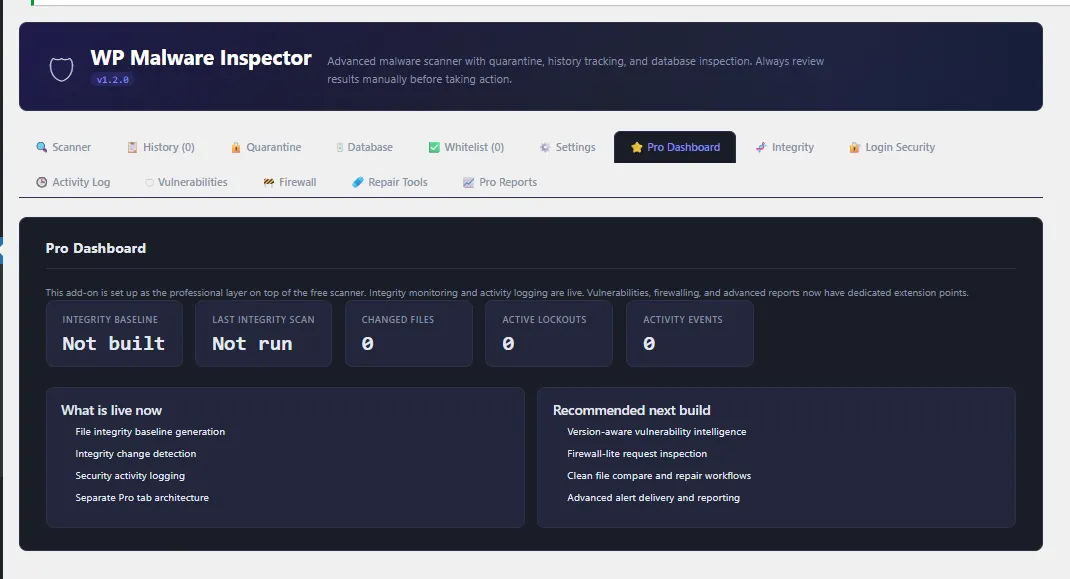
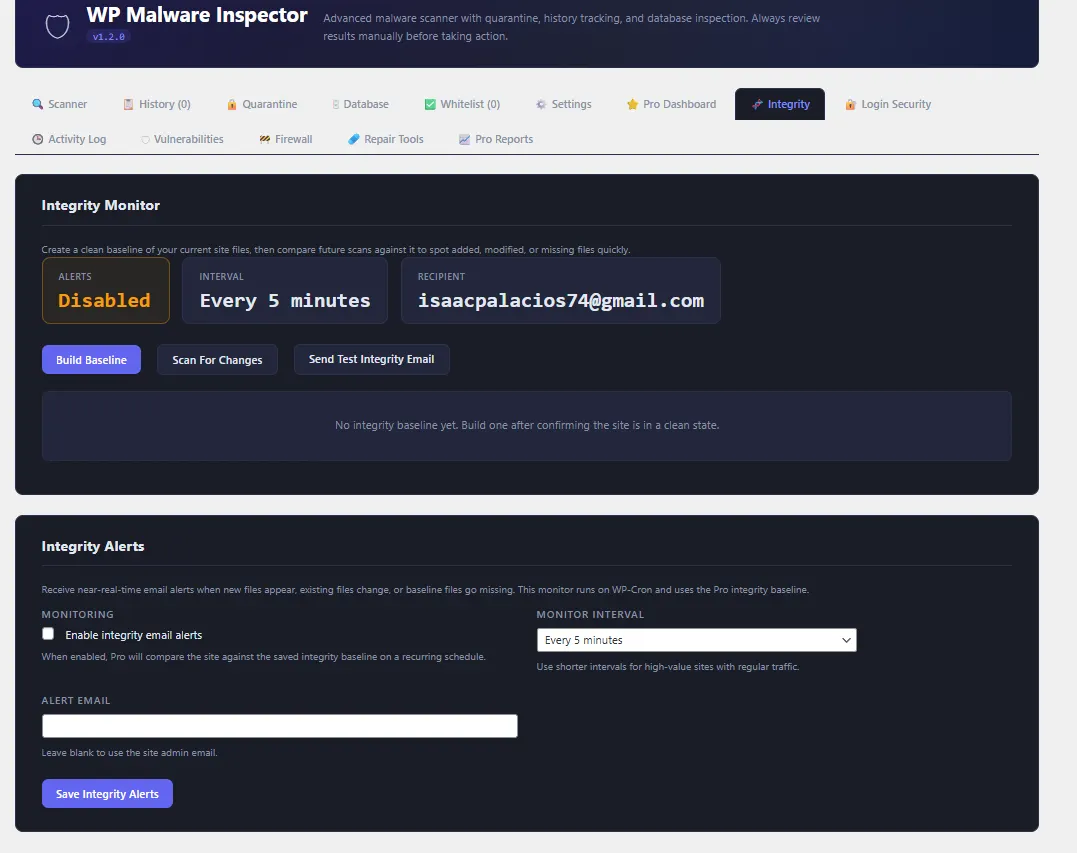
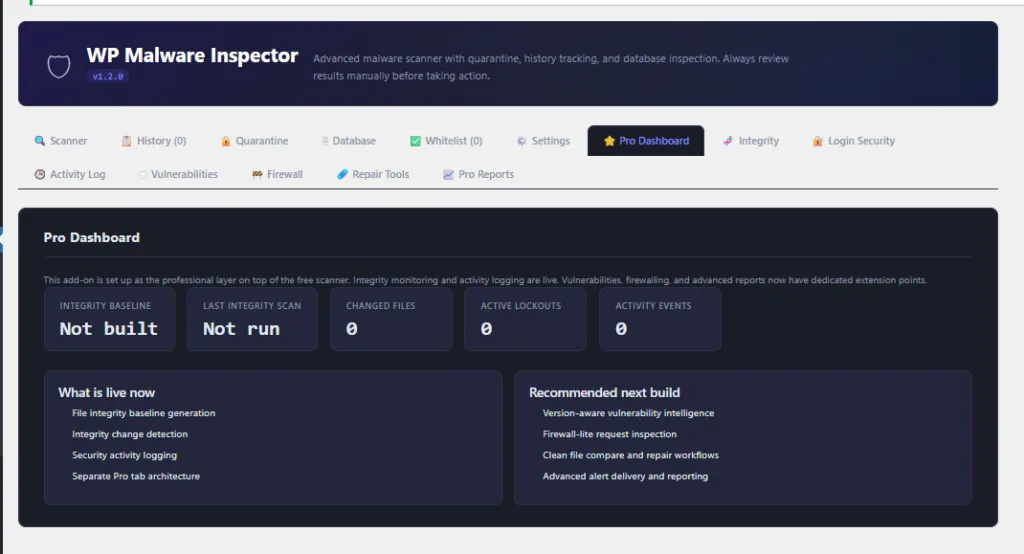
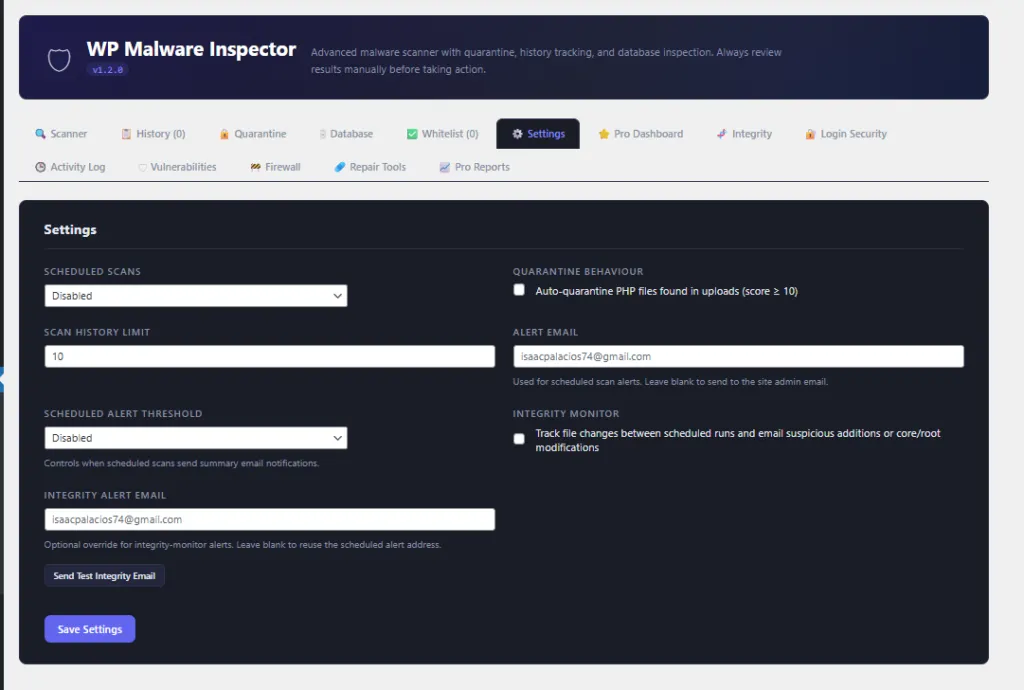
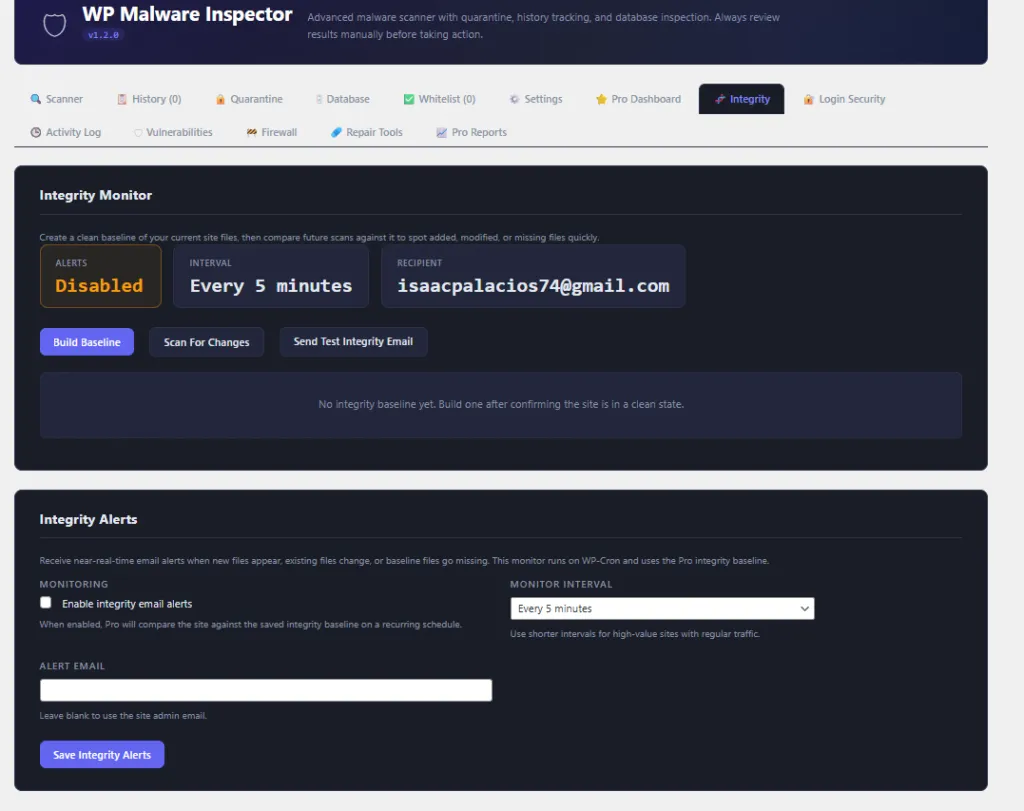
Integrity Monitor
- Tracks file changes between scan runs.
- Detects suspicious additions or modifications.
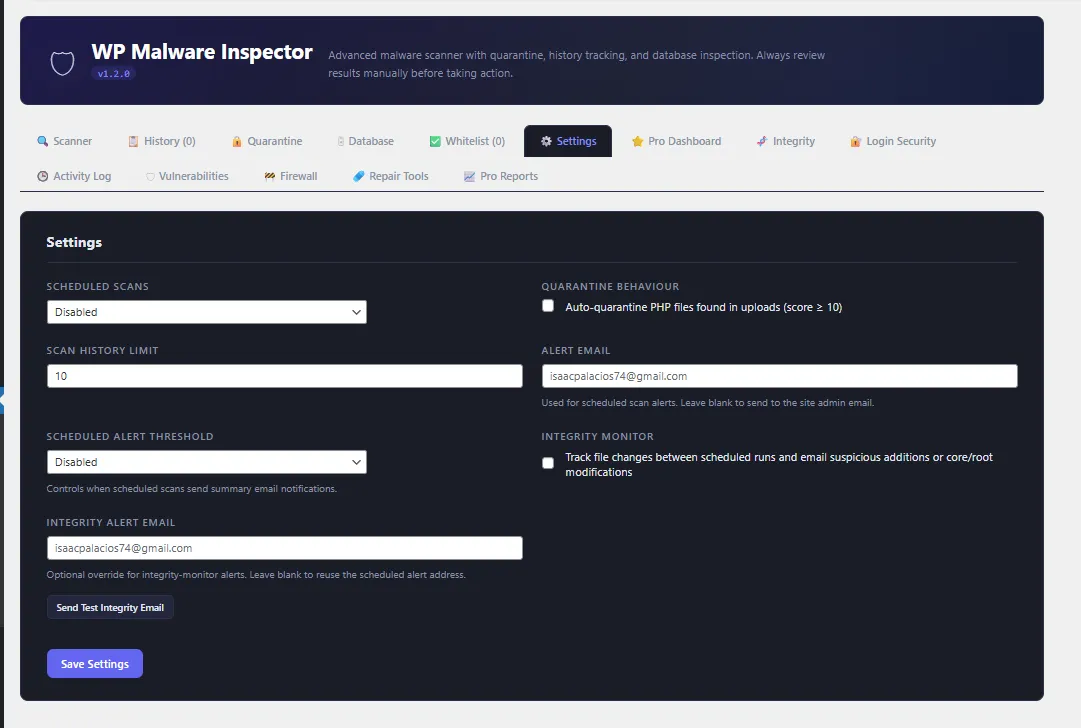
- Sends integrity alert emails when suspicious changes are found.
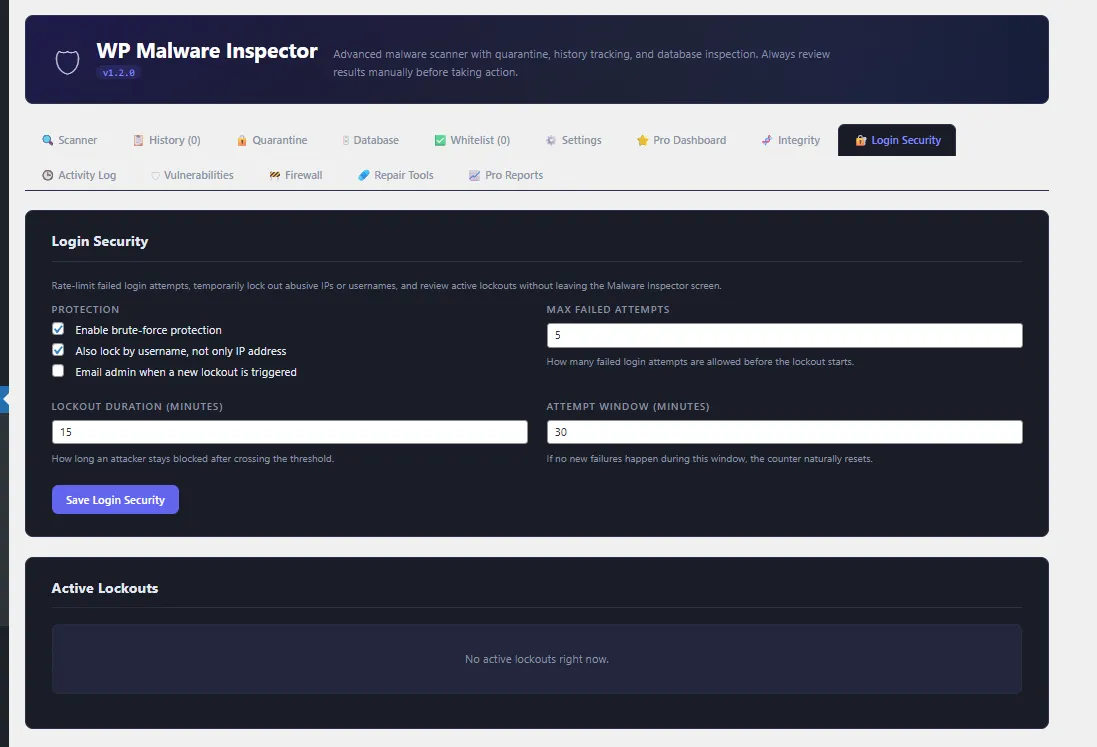
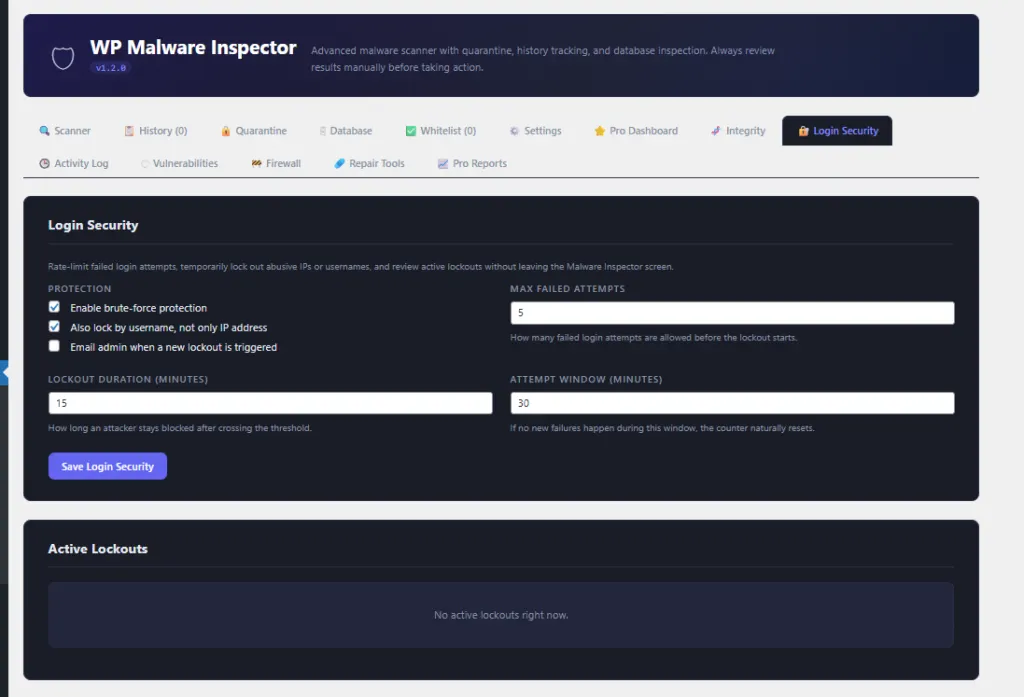
Login Security
- Includes custom login URL support.
- Helps hide the default
/wp-login.phpendpoint behind a private login slug. - Blocks direct access to the default login URL when custom login protection is enabled.
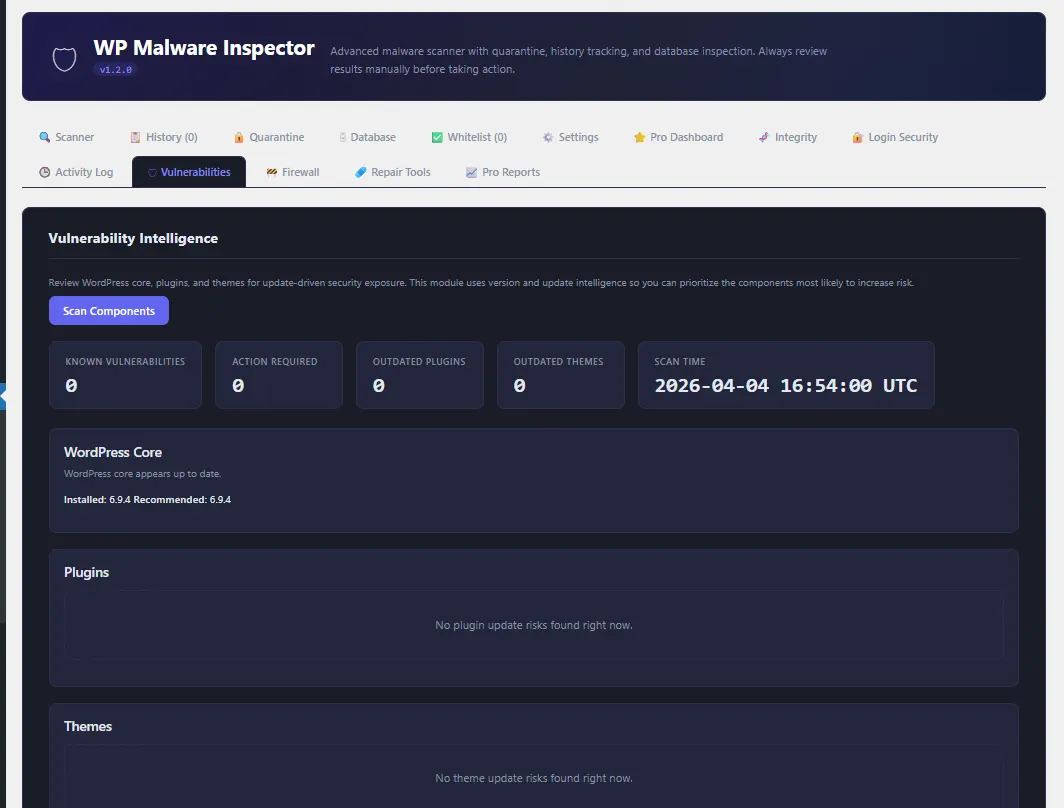
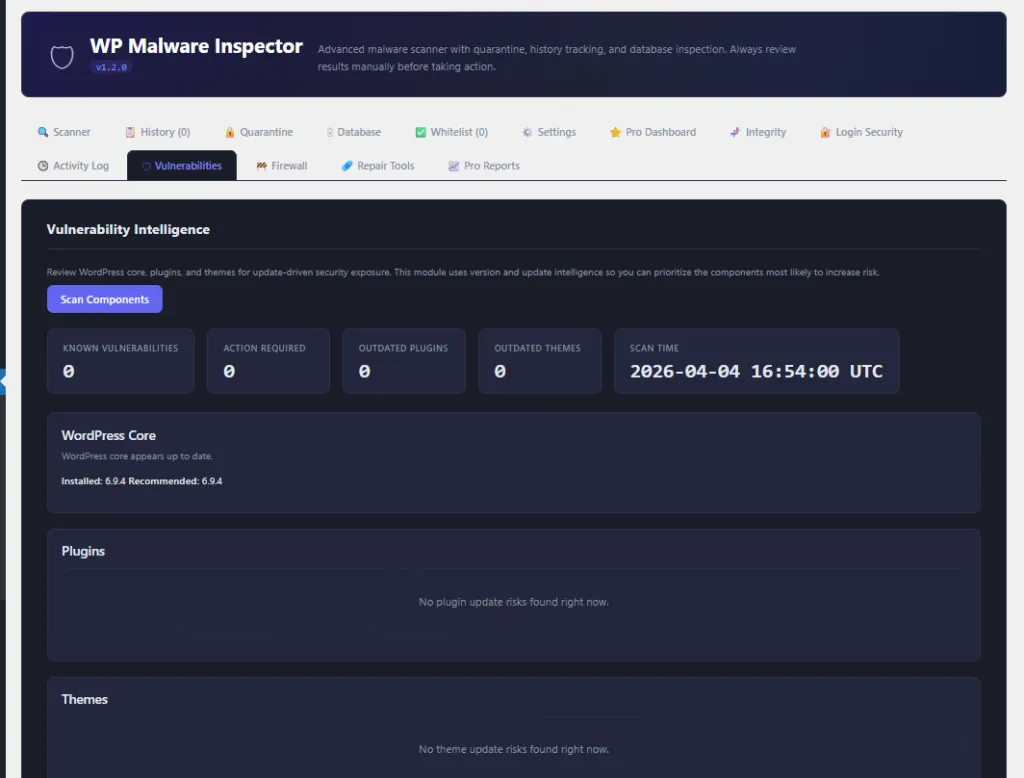
Vulnerability Review
- Reviews WordPress core, plugins, and themes for known security exposure.
- Helps prioritize updates and risky components.
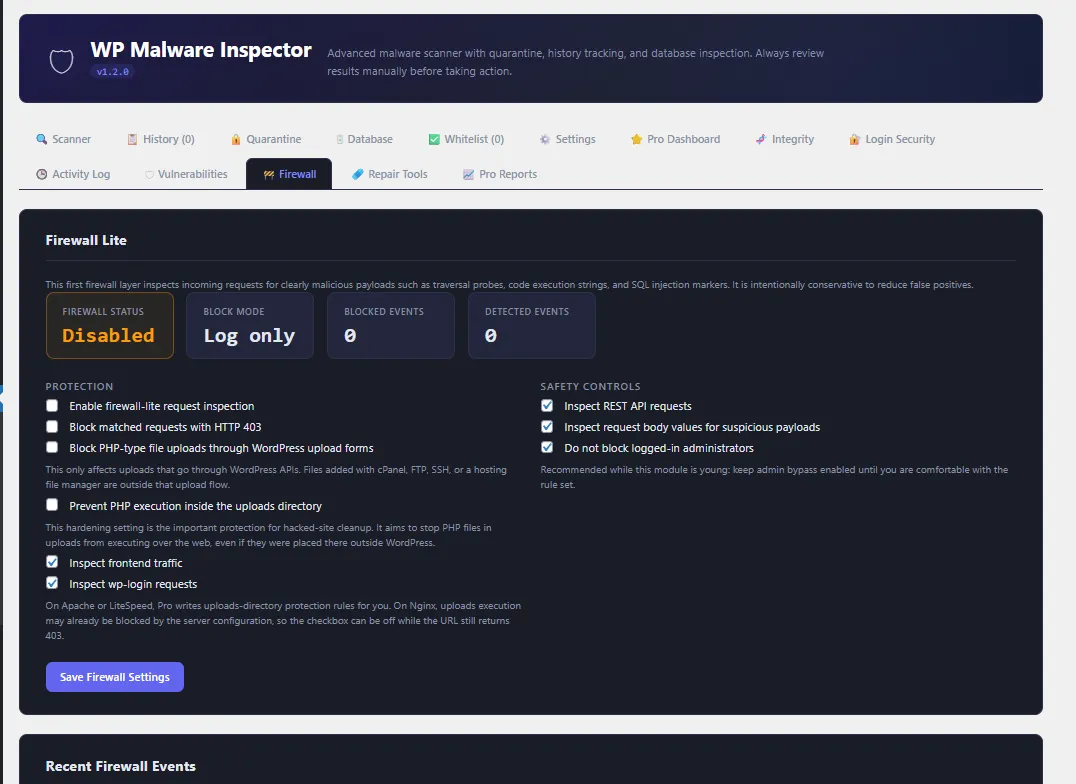
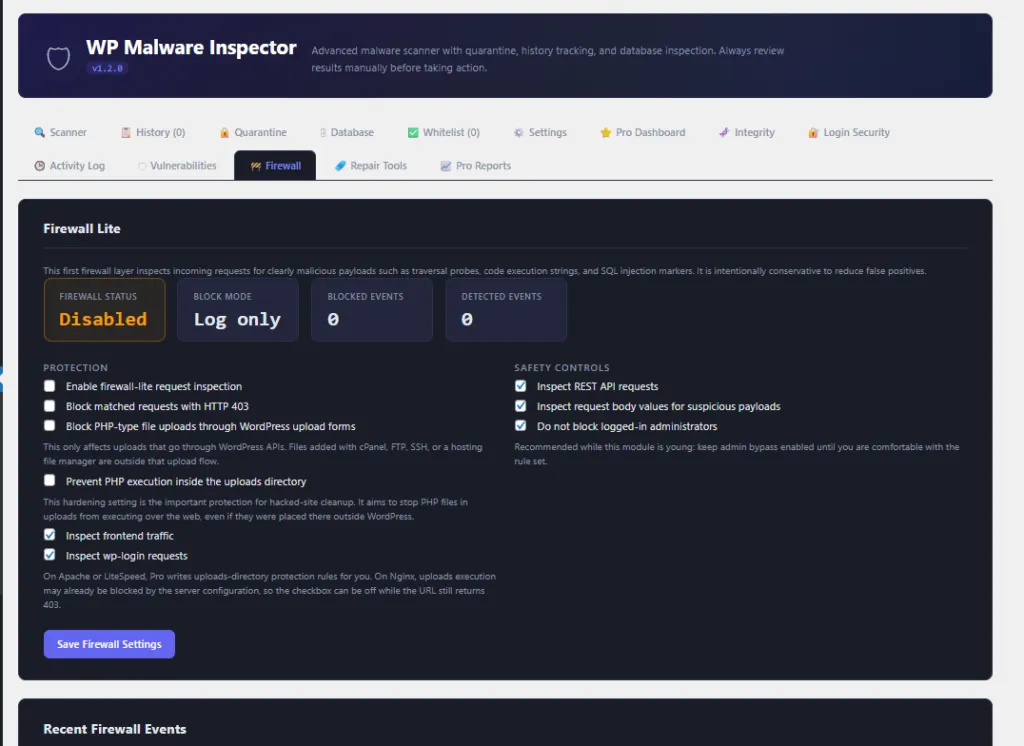
Firewall-Lite Protection
- Provides lightweight request protection controls.
- Helps block suspicious traffic patterns and basic abuse attempts.
Activity Log
- Tracks important security events inside the plugin.
- Helps site owners review scan, login, firewall, vulnerability, and integrity activity.
Pro Version Features
BroodWeb Malware Scanner Pro adds advanced cleanup, repair, hardening, AI-assisted triage,
and professional reporting tools for agencies, developers, and high-value WordPress sites.
Advanced Hardening
- Security hardening controls for WordPress configuration and common attack surfaces.
- Controls for headers, XML-RPC, user enumeration, and other hardening options.
- Helps reduce exposure after malware cleanup or during routine site protection.
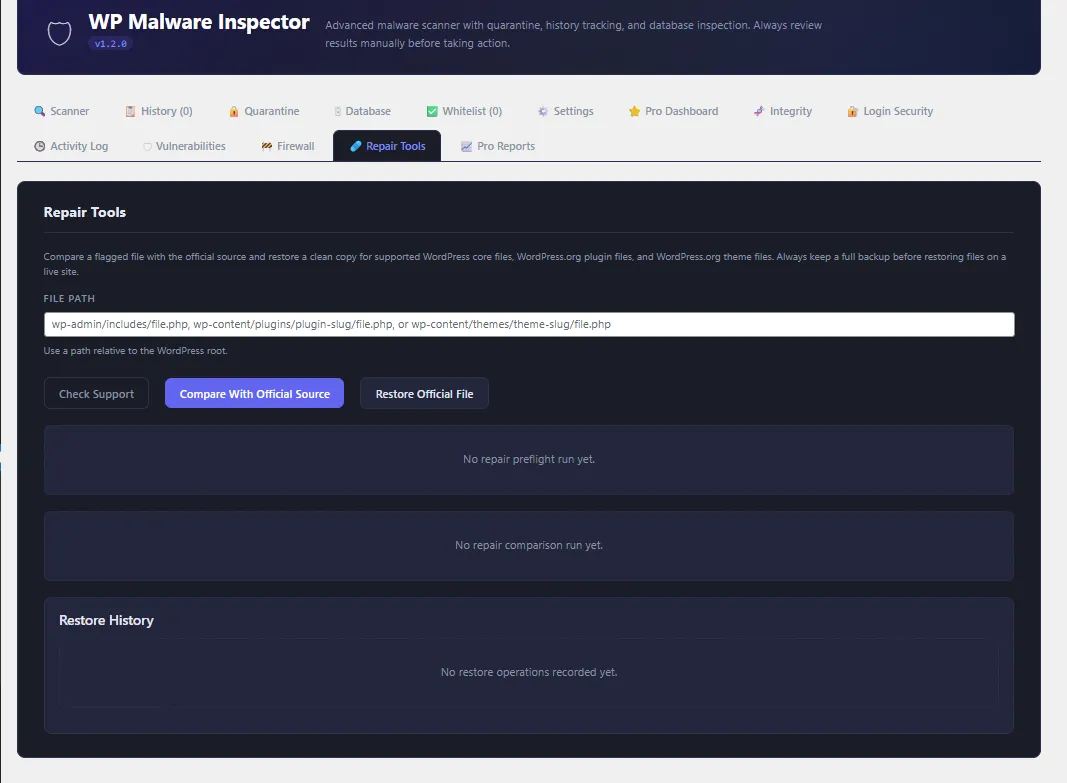
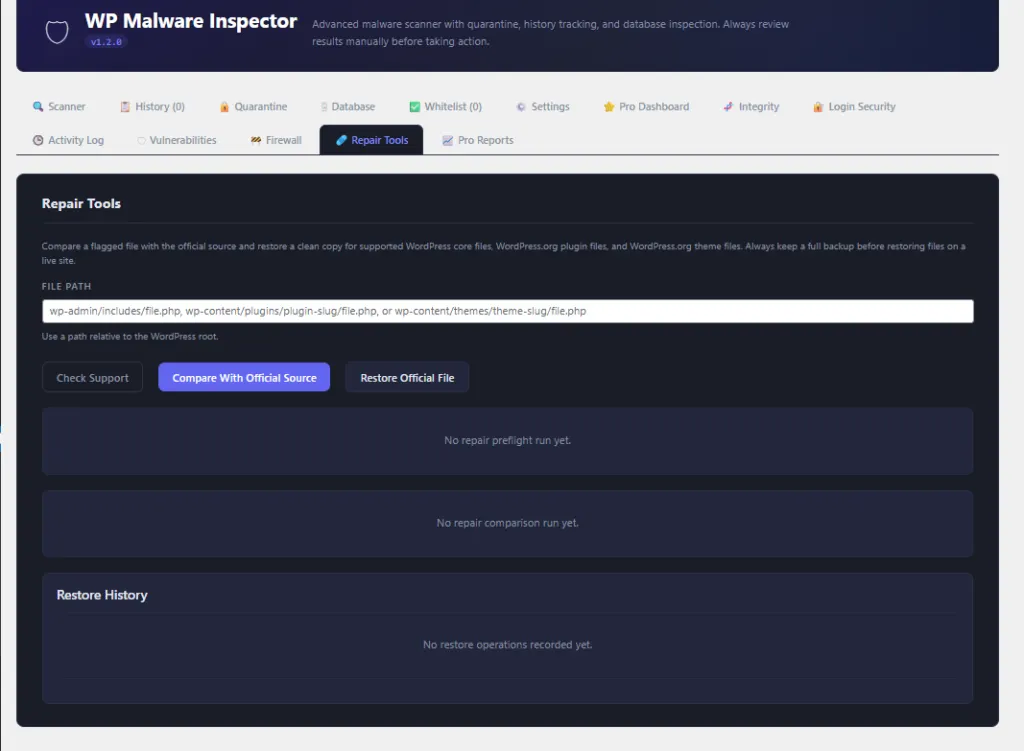
Repair Tools
- Compare flagged files with official WordPress, WordPress.org plugin, and WordPress.org theme sources where supported.
- Identify whether a file is clean, modified, corrupted, or unexpected.
- Restore supported official files from trusted source packages.
- Designed for safer cleanup after malware removal.
AI Assistant
- AI-assisted malware triage for flagged files and scan results.
- Supports OpenAI-compatible providers including OpenAI, DeepSeek, Groq, and custom endpoints.
- Helps explain why a file was flagged and what should be reviewed next.
- Uses official-source comparison data where available for more specific analysis.
- Shows AI file analysis in a popup modal for a cleaner review workflow.
- Marks files as analyzed while still allowing users to run analysis again.
AI File Triage
- Filter AI triage files by filename, finding, risk level, and category.
- Review flagged files faster from a focused AI triage table.
- Use AI guidance as review support, not as an automatic cleanup decision.
Professional Reports
- Planned reporting area for professional client and agency workflows.
- Designed as the future home for branded reports, scan summaries, repair summaries, AI reviews, trend reports, PDF exports, and webhook delivery.
Free vs Pro Summary
| Feature | Free | Pro |
|---|---|---|
| Malware scanner | Yes | Yes |
| WordPress core verification | Yes | Yes |
| Database scanner | Yes | Yes |
| Quarantine and whitelist | Yes | Yes |
| Integrity monitor | Yes | Yes |
| Login security | Yes | Yes |
| Vulnerability review | Yes | Yes |
| Firewall-lite | Yes | Yes |
| Activity log | Yes | Yes |
| Hardening controls | No | Yes |
| Repair tools | No | Yes |
| AI-assisted triage | No | Yes |
| Professional reporting workflows | No | Yes |
Who Is It For?
- WordPress site owners who want better malware visibility.
- Agencies managing security for client websites.
- Developers reviewing suspicious files after a hack.
- Freelancers who need scan reports, quarantine tools, and cleanup guidance.
- High-value websites that need monitoring, login protection, and stronger cleanup workflows.
Important Note
BroodWeb Malware Scanner is built to help with investigation and cleanup decisions. Always review scan results
manually, create a full backup before changing files, and confirm suspicious findings before deleting or replacing
anything on a live website.